Wait until 9:35–9:40 AM ET. Don’t save the list exactly at 9:30. Give the market’s first 5-minute candle time to form.
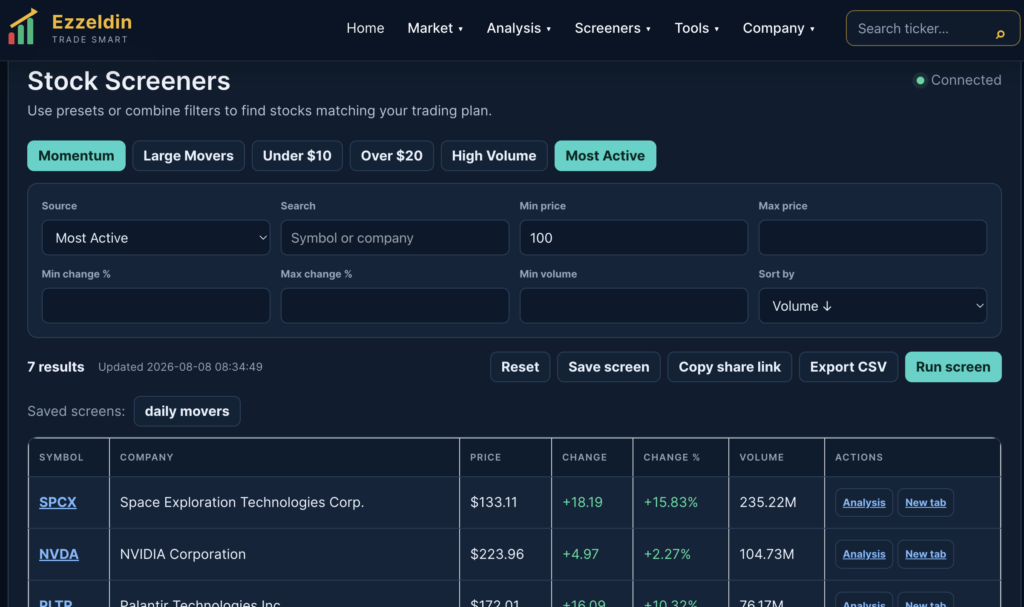
Open EZZELDIN.NET → Stock Screeners → Most Active.
Scan all U.S. stocks and rank them primarily by current trading volume from highest to lowest.
Apply useful filters so the list isn’t filled with irrelevant names. I recommend showing:
Symbol | Price | Change % | Volume | Avg Volume | Relative Volume | Market Cap | Day High | Day Low | Volume Rank
Use Relative Volume as an important secondary signal. For example, a stock trading 3× or 5× its normal volume may be more interesting than a mega-cap that is always among the highest-volume stocks.
At 9:40 AM ET, click “Save Screen.” EZZELDIN.NET should automatically save the Top 20 or Top 25 Most Active Stocks exactly as they appeared at that time.
Save the timestamp with the screen, for example: Most Active — August 10, 2026 — 9:40 AM ET. The saved snapshot should not change afterward even though the live screener continues updating.
Add a Saved Screens / History section so you can later select a date and see exactly which stocks were most active shortly after that day’s market open.
I’d make this even better on EZZELDIN.NET/STOCK-SCREENER/
Instead of requiring you to manually save it every morning, I recommend adding an automatic daily snapshot:
9:30 Market Opens → 9:35 First Candle Closes → 9:40 Scan Most Active → Save Top 25 → Continue Live Updates
Then the page could have two tabs:
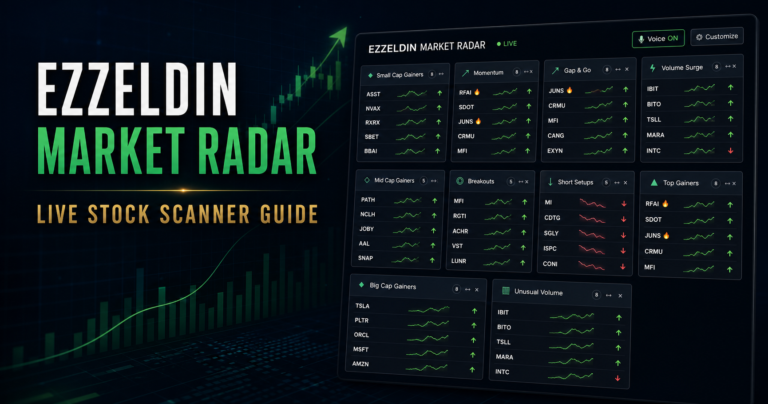
 LIVE MOST ACTIVE — continuously updates during the trading day.
 9:40 AM SNAPSHOT — permanently stores the stocks that were most active shortly after the opening.
We could also add 10:00 AM and 10:30 AM snapshots. That would let you compare which stocks remained active instead of merely spiking during the opening minutes. High opening volume is common, so comparing activity across several timestamps can be more informative.
For your EZZELDIN.NET trading workflow, I’d build 9:40 AM, 10:00 AM, and 10:30 AM snapshots, with stocks appearing in all three automatically marked “Sustained Activity .” That could become a very useful new screener feature.